
 النسخة العربيه
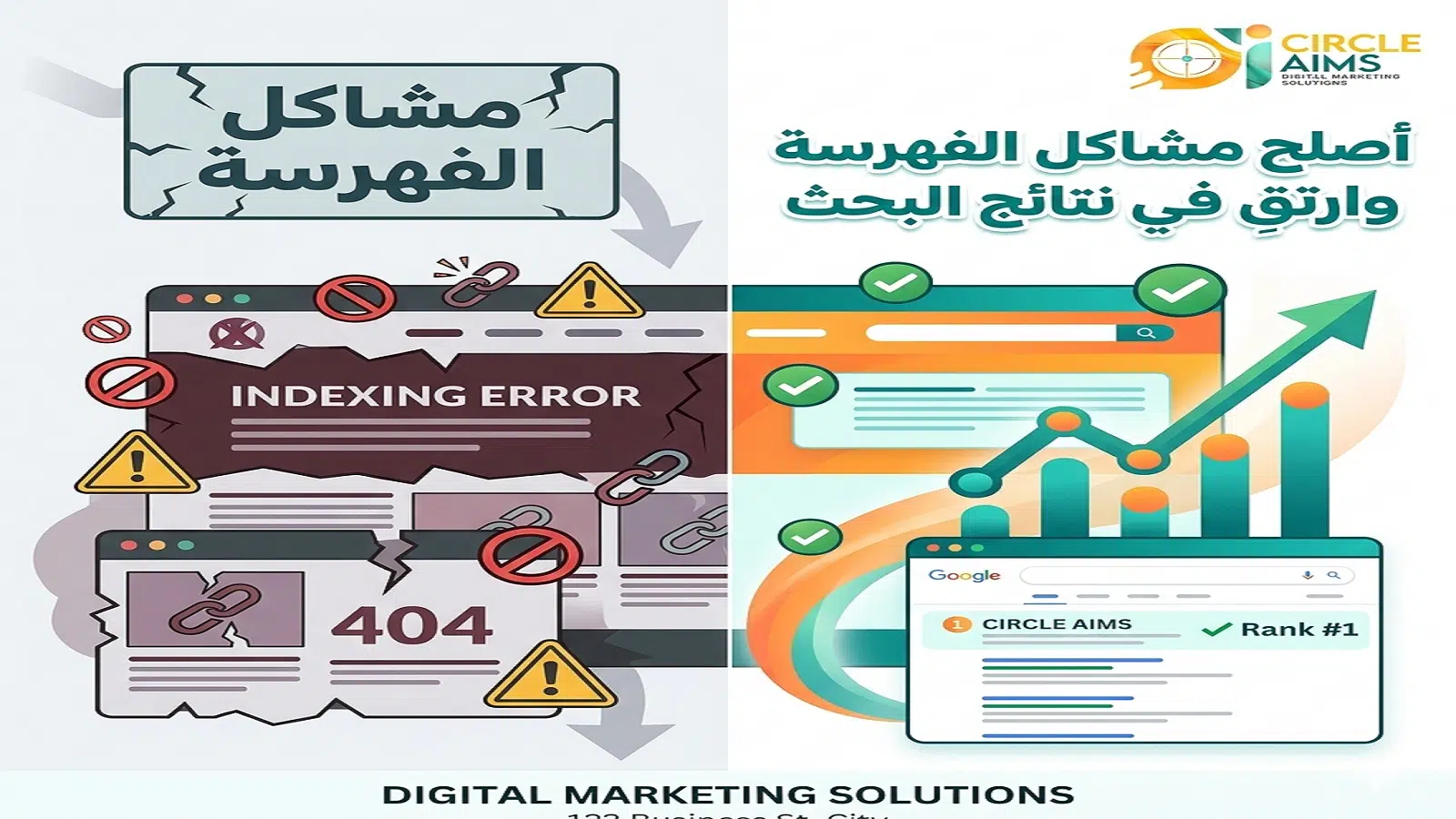
In the world of digital marketing, indexing issues in Google Search Console are among the most prominent challenges faced by website owners, especially companies that rely on search visibility to achieve growth. For a site like Circle Aims, a specialized digital marketing agency, understanding and resolving these issues is not optional—it is essential for success.
Indexing is the process by which a search engine stores your website’s pages in its database so they can later appear in search results. If your pages are not indexed, they are effectively “nonexistent” to Google, even if they are professionally designed.
This is where Google Search Console becomes critical, as it provides a comprehensive view of your website’s status and reveals errors that may prevent your visibility in search results.
What is indexing and why is it important?
Indexing is the step that follows crawling, where the search engine analyzes page content and stores it. Without this step, your site will not appear in search results, regardless of content quality.
Importance of indexing:
- Enables your website to appear in search results
- Increases organic traffic
- Builds search engine trust
- Improves keyword rankings
A site without indexing is like a great store hidden on a street no one visits.
Role of Google Search Console in SEO improvement
Google Search Console is a free tool from Google that helps monitor website performance, detect indexing issues, and improve search visibility.
Key functions:
- Display indexed and non-indexed pages
- Analyze crawl errors
- Submit sitemaps
- Inspect internal and external links
- Monitor keyword performance
Circle Aims uses this tool to quickly identify technical issues and take corrective action.
Types of indexing issues in Google Search Console
Non-indexed pages
A common issue where pages exist but are marked as “not indexed.”
Causes:
- Presence of a noindex tag
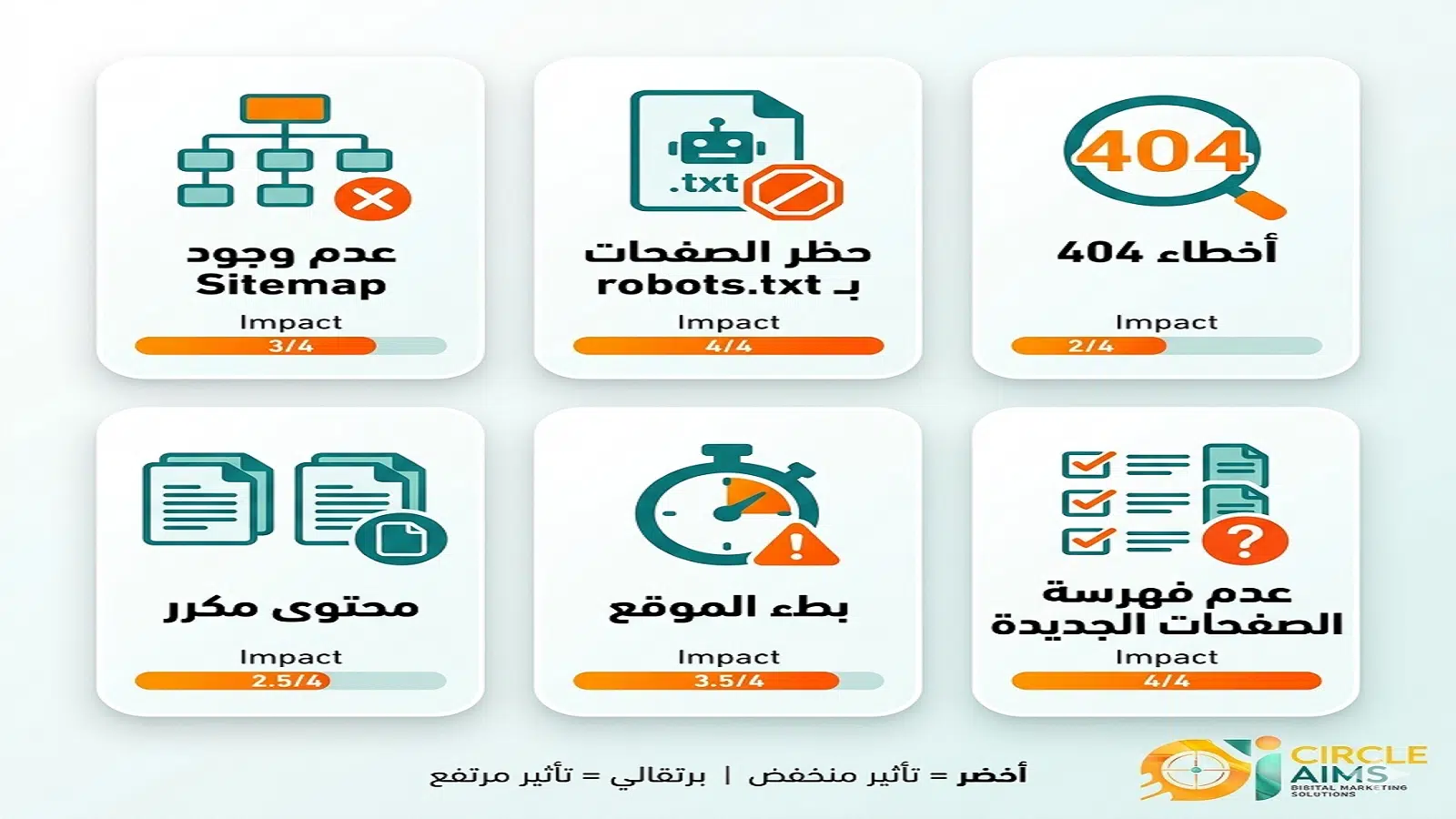
- Blocked crawling via robots.txt
- Low-quality content
- Lack of internal links
- Slow page speed
Solution: review page settings and ensure accessibility for crawling and indexing.
Crawl errors
Occur when Googlebot cannot access a page.
Server issues:
- Site downtime
- Slow response
- Hosting problems
404 errors:
- Deleted pages
- Broken links
- Incorrect URLs
These harm user experience and reduce Google’s trust.
Robots.txt issues
Robots.txt controls search engine behavior but can block important pages unintentionally.
Problems:
- Blocking critical pages
- Restricting access to CSS or JS files
- Incorrect directives
Requires careful review.
Sitemap issues
Outdated sitemap:
- Missing new pages
- Including deleted pages
- Delayed updates
Solution:
- Regular updates
- Integration with CMS
- Resubmission via Search Console
XML errors:
- Incorrect formatting
- Duplicate URLs
- Redirected links
Recommendation: ensure clean, error-free URLs.
Duplicate content issues
Similar pages:
- Multiple pages for the same service
- Reused content
- Minor URL variations
Incorrect canonical tags:
- Pointing to wrong pages
- Missing canonical where needed
- Conflicts between pages
Solution:
- Maintain one version per content
- Use canonical correctly
- Regular audits
Low-quality content:
- Very short content
- Keyword stuffing
- No real value
Non-indexable content:
- Text inside images only
- Non-rendered JavaScript content
- Password-protected pages
Solution:
- Use readable HTML
- Improve user experience
- Ensure visibility to search engines
How to fix indexing issues step by step
Analyze Search Console reports:
- Focus on Excluded, Errors, Valid pages
Improve technical structure:
- Increase site speed
- Fix broken links
- Use HTTPS
- Enhance user experience
Tools for improvement
SEO tools:
- Google Analytics
- Screaming Frog
- Ahrefs
Performance tools:
- PageSpeed Insights
- GTmetrix
- Image compression tools
Circle Aims recommendations
Professional strategies:
- Consistently create high-quality content
- Use internal linking strategically
- Improve site structure
- Update old content
Mistakes to avoid:
- Ignoring Search Console reports
- Using Black Hat SEO
- Neglecting user experience
- Publishing duplicate content
FAQs
Why doesn’t my site appear in search results?
Pages may not be indexed or contain technical errors.
How long does indexing take?
From hours to several days depending on site quality.
Can indexing be forced?
It can be requested via Search Console, but Google decides.
Difference between crawling and indexing?
Crawling discovers pages; indexing stores and displays them.
Is a sitemap necessary?
Not mandatory but accelerates indexing.
How to check if a page is indexed?
Via Search Console or using the “site:” operator in Google.

Conclusion
Indexing issues in Google Search Console are critical factors determining search performance. Ignoring them leads to loss of traffic and potential customers. For Circle Aims, professional handling of these challenges ensures distinction in digital marketing through continuous analysis, performance optimization, and high-quality content delivery. Resolving indexing issues is the first step toward achieving sustainable growth.


)
No comment